
Notion

About Notion
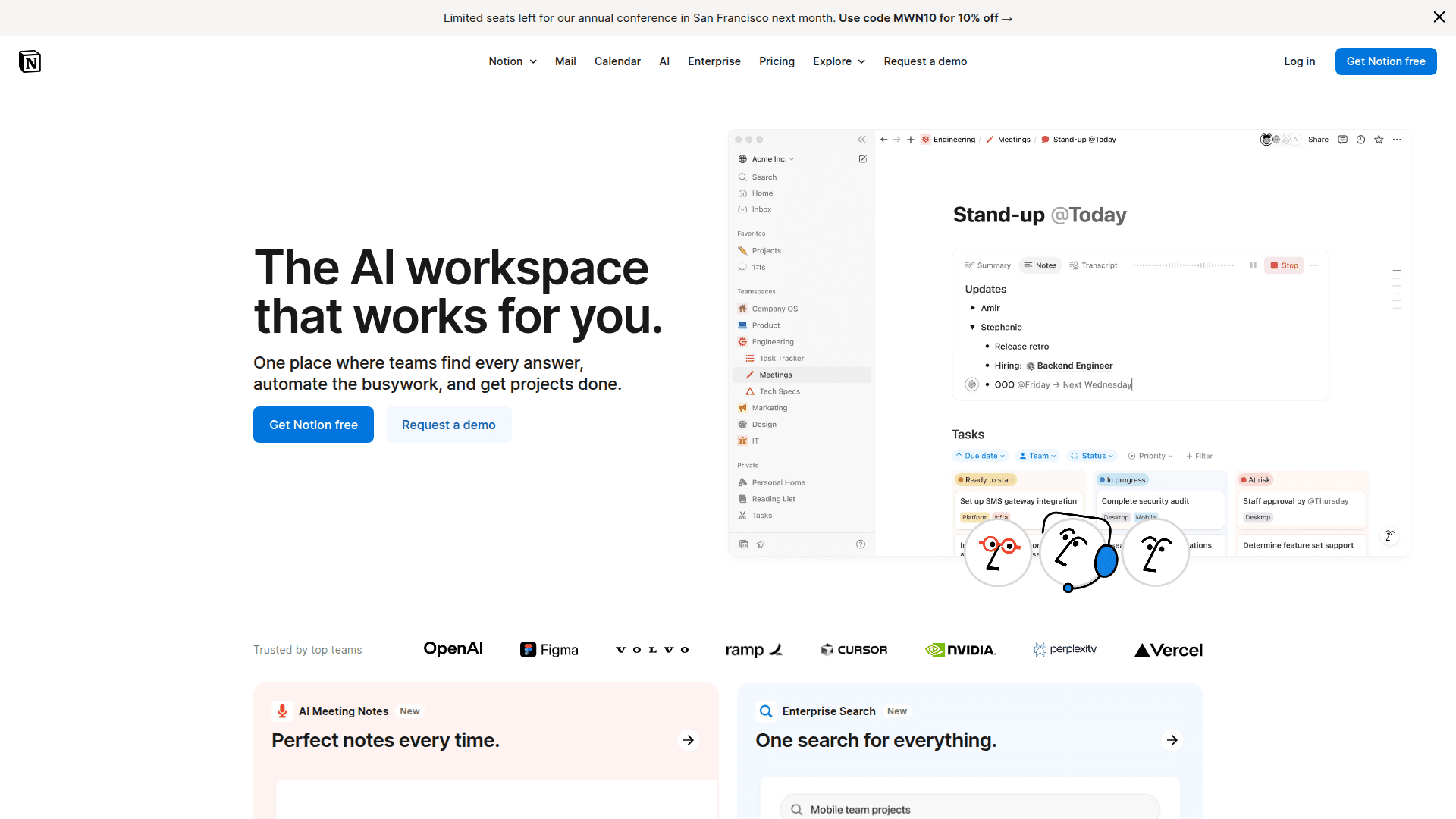
Notion revolutionized how I run 5 Day Sprint projects by eliminating tab chaos and scattering of ideas. Instead of juggling Docs, Sheets, and random note apps, everything lives in one connected space that actually thinks alongside you. The AI features are a game-changer for vibe coders. It's like having a coding buddy who handles the tedious parts. When I'm prototyping, I use AI to transform messy brainstorms into clean specs, generate test data, and even debug code snippets. The AI meeting notes feature captures everything while I focus on the conversation. Quick tip: Start with a blank page and type '/ai' to unlock a menu of AI superpowers. My favorite is using it to expand bullet points into fully-formed sections. Perfect for turning 2am product ideas into actual documentation without losing the creative flow.
Key Features
- AI-powered writing and ideation assistant
- Connected workspace that replaces multiple apps
- Smart templates for instant project setups
- Real-time collaboration with AI meeting notes
- Custom workflows and databases
Pricing Details
Free plan for personal use. Teams start at $8/user/month. Enterprise pricing based on features and team size. AI features require paid plan or separate credits.
Frequently Asked Questions
Installation & Setup
Create Your Workspace
Go to notion.so and sign up. Pick 'Personal' for solo projects or 'Team' for collaboration. Skip the fancy setup wizards, just get to a blank page.
Import a Template
Visit notion.so/templates and search for your project type (startup, product launch, etc). One click to import, then customize while you work.
Set Up Your Sprint Hub
Create a new page called '5 Day Sprint Hub'. Use the /table command to make a sprint schedule. Add linked pages for each day's activities and outcomes.
Enable AI Features
Click the Settings gear, go to Settings & Members > Billing, and add AI credits. Type /ai anywhere to access AI writing, analysis, and coding help.
Connect Your Tools
Visit notion.so/integrations to connect GitHub, Figma, or other tools you use. Your sprint work stays connected across all platforms.
Claude Code Prompt
Install the @notionhq/client package using npm. Set up the Notion API client with my integration token from notion.so/my-integrations. Then ask what kind of data I want to sync between my code and Notion workspace.
Created by
Independent software company focused on workspace collaboration and productivity tools. Provides an all-in-one platform for notes, documents, wikis, project management and team collaboration with AI capabilities.